How to use a Custom Dockerfile for your application in Appliku
How to specify a custom Dockerfile
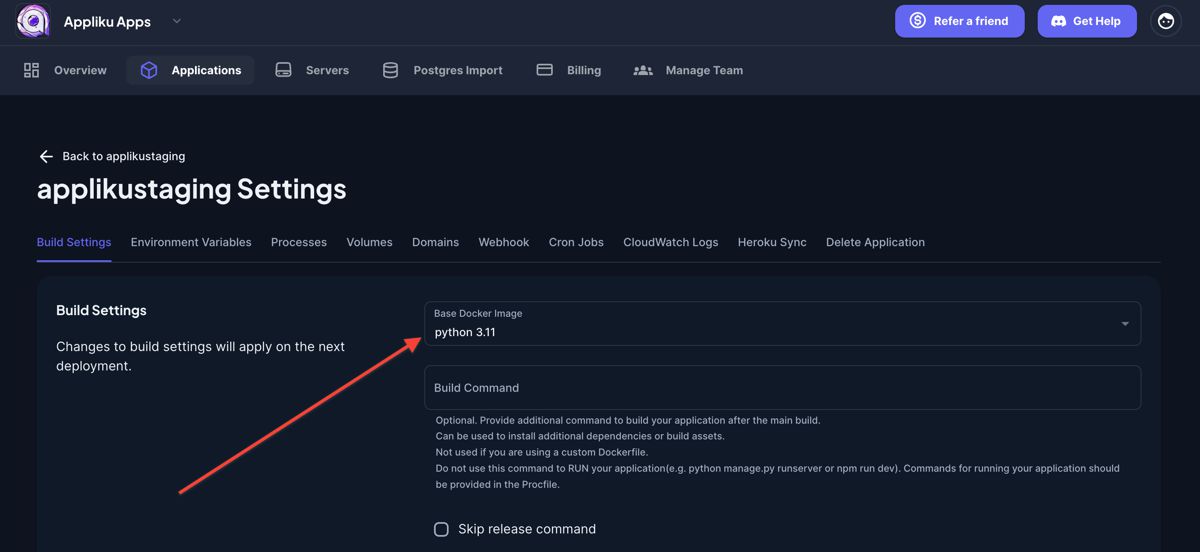
To specify a custom Dockerfile that will be used to build your application you should go to application settings, and on the first tab "Build Settings"
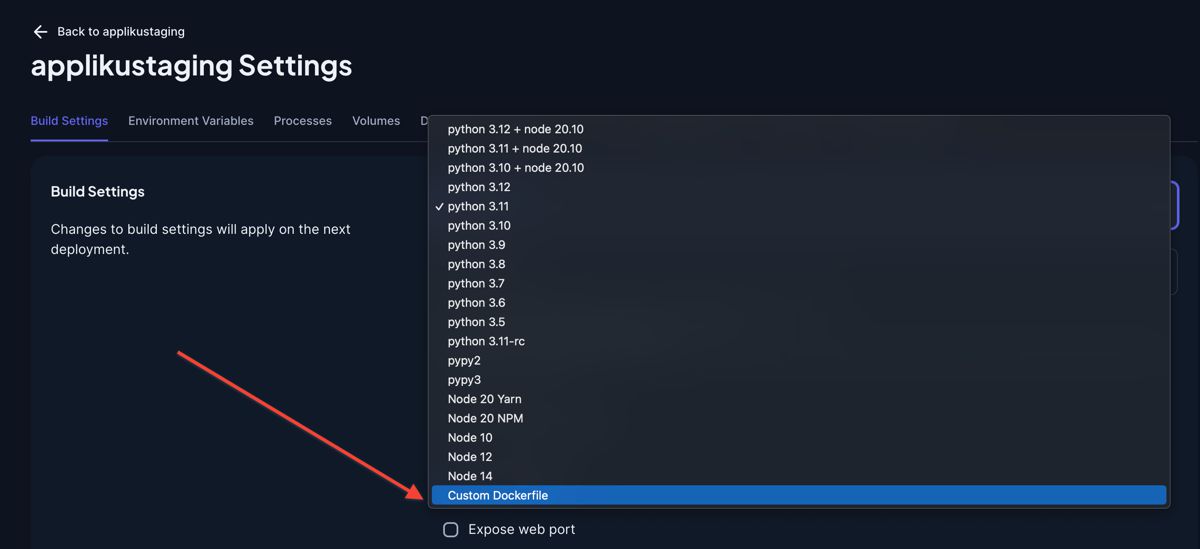
Select Custom Dockerfile from the list
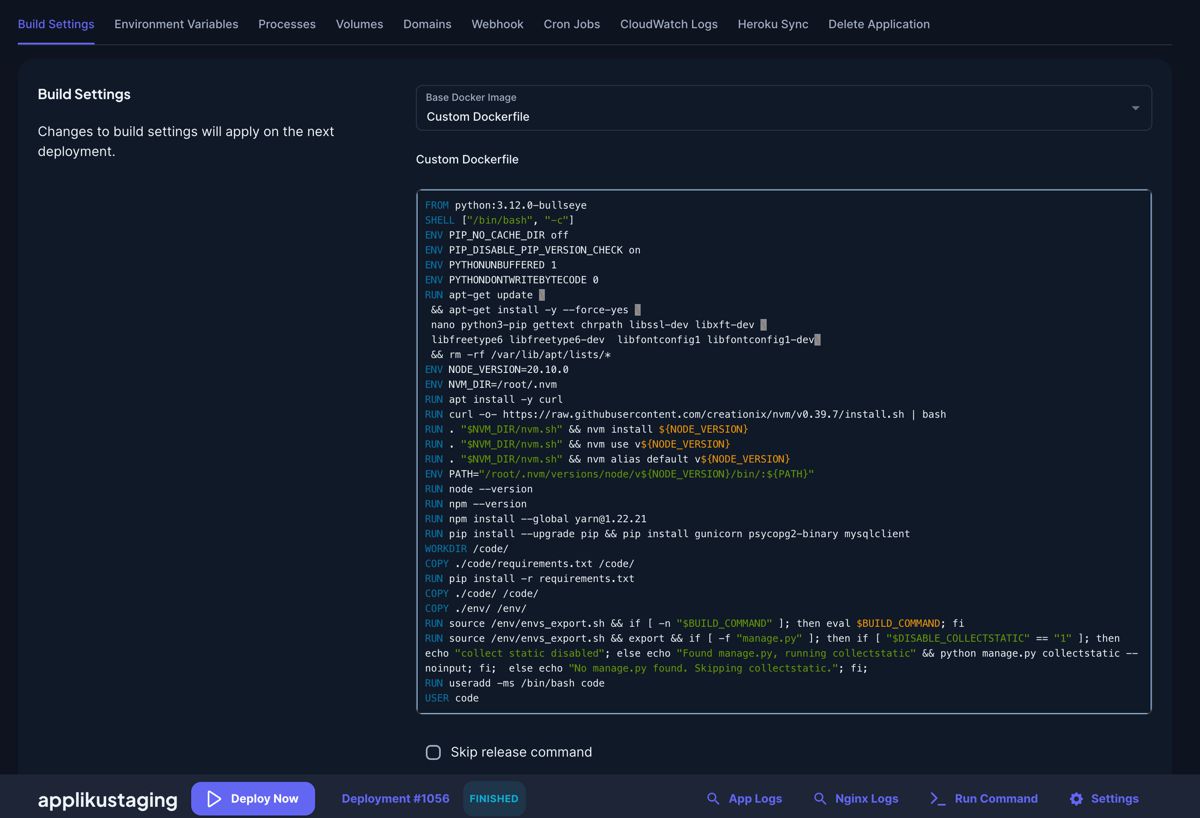
The text field "Custom Dockerfile" will appear under the dropdown.
In this text field put the Dockerfile.
Directory structure:
During the build Dockerfiles are executed in the context of a directory, one level higher than your code.
On the server structure of an application directory looks like this:
# ls /home/app/someapp
Dockerfile
code
docker-compose.yml
env/dot.env
env/envs_export.sh
The Dockerfile will contain whatever you will pick - custom or predefined.
code is the working copy of your app's git repo.
docker-compose.yml is assembled from the processes enabled in the dashboard in Processes tab.
env/dot.env are env variables in the dotenv format, for example:
DJANGO_COLLECTSTATIC=1
DJANGO_DEBUG=False
DJANGO_ALLOWED_HOSTS=something.applikuapp.com
This file is used in docker-compose.yml
env/envs_export.sh also contains environment variables, but in a different format:
export DJANGO_COLLECTSTATIC="1"
export DJANGO_DEBUG="False"
export DJANGO_ALLOWED_HOSTS="something.applikuapp.com"
This file may be used in dockerfile if you need environment variables during the build.
In order to write your own Dockerfile make sure you COPY your project files from /code, not from .
See Predefined Dockerfiles for ready-to-use Dockerfile templates for Python, Node.js, and Ruby.